
BlueDUN3.6 - Get APK
You'll be able to download in few seconds.
Publisher Description
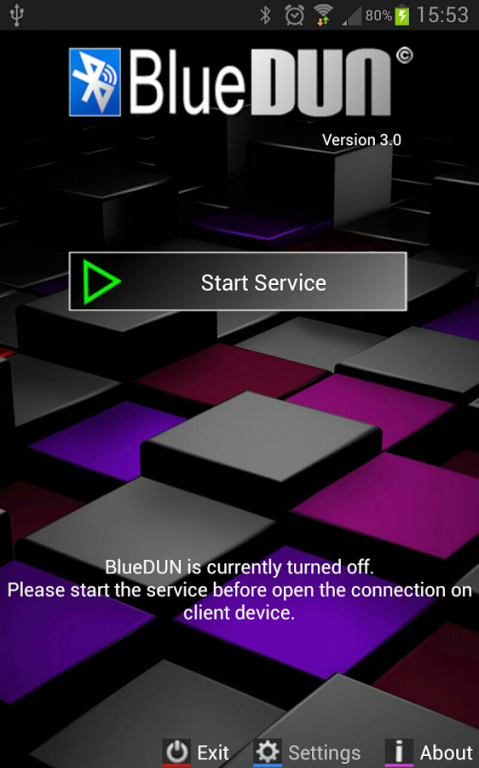
This program emulates the hardware modem on your Android phone. It allows your phone to share wifi or mobile connection over the bluetooth channel with other devices like PCs,tablets or navigation systems. The bluetooth DUN (dial-up network) service is turned on, in order to enable the external device to access the Internet.
It supports both TCP and UDP protocols;
NO ROOTING NEEDED!!
Tested with Windows Xp/7/8/10 PCs, Toyota Touch&Go / Entune, Tom Tom Go/Rider, Clever GPS, BB Playbook.
For Mercedes Comand OnLine, please install BlueDUN+.
It doesn't work with some Motorola (Droid) / Sony (Xperia) / HTC devices due to firmware limitations.
Please test the trial version (it includes the same connection algorithms) before purchasing and contact me for any issue before writing negative comments; I can also refund you also after the 2 hours of testing period.
This version is no more supported and is kept on the market only for old Android phones (version 2.3.* and 3.*), please please download the BlueDUN+ for new devices
How to setup (only the first time):
- Remove the previous pairing between your devices
- Start the BlueDUN service, make the phone discoverable
- Create the new pairing
- Setup the DUN connection on the client device: don't care about phone number, account or dns because the app emulates only the modem behaviour but it sends/retrieves data to/from phone wifi/mobile connection!
In case of connection issues, please enable the "Logger" and "Log to File" options in the setting panel; go back and restart the service, try some connection attempts. Finally click the "Send Log files" option to send an email with generated log files.
I don't provide support if you add negative comment on Google Play before contacting me by email
About BlueDUN
The company that develops BlueDUN is Mirko Solazzi. The latest version released by its developer is 3.6.
To install BlueDUN on your Android device, just click the green Continue To App button above to start the installation process. The app is listed on our website since 2014-12-27 and was downloaded 0 times. We have already checked if the download link is safe, however for your own protection we recommend that you scan the downloaded app with your antivirus. Your antivirus may detect the BlueDUN as malware as malware if the download link to com.blue_dun is broken.
How to install BlueDUN on your Android device:
- Click on the Continue To App button on our website. This will redirect you to Google Play.
- Once the BlueDUN is shown in the Google Play listing of your Android device, you can start its download and installation. Tap on the Install button located below the search bar and to the right of the app icon.
- A pop-up window with the permissions required by BlueDUN will be shown. Click on Accept to continue the process.
- BlueDUN will be downloaded onto your device, displaying a progress. Once the download completes, the installation will start and you'll get a notification after the installation is finished.
Program Details
System requirements
Download information
Pricing
Version History
version 3.6
posted on 2014-12-27
3.6: added russian and polish language; minor bug fix,3.5: extended support for more modem AT commands,3.4: improved compatibility with some medical equipments (defibrillators) / bug correction,3.2: performance enhancements (in particular for MB Comand Online),3.1: optimized for Android 4.4,3.0: new design,If you like this application please make a video and post it on youtube to show how it works to other users.
version 2.4
posted on 2013-05-31
Several fixes and updates
Disclaimer
External Download
We do not host BlueDUN on our servers. We did not scan it for viruses, adware, spyware or other type of malware. This app is hosted by Galad and passed their terms and conditions to be listed there. We recommend caution when installing it.
The APK Download link for BlueDUN is provided to you by apps112.com without any warranties, representations or guarantees of any kind, so access it at your own risk.
If you have questions regarding this particular app contact the publisher directly. For questions about the functionalities of apps112.com contact us.
